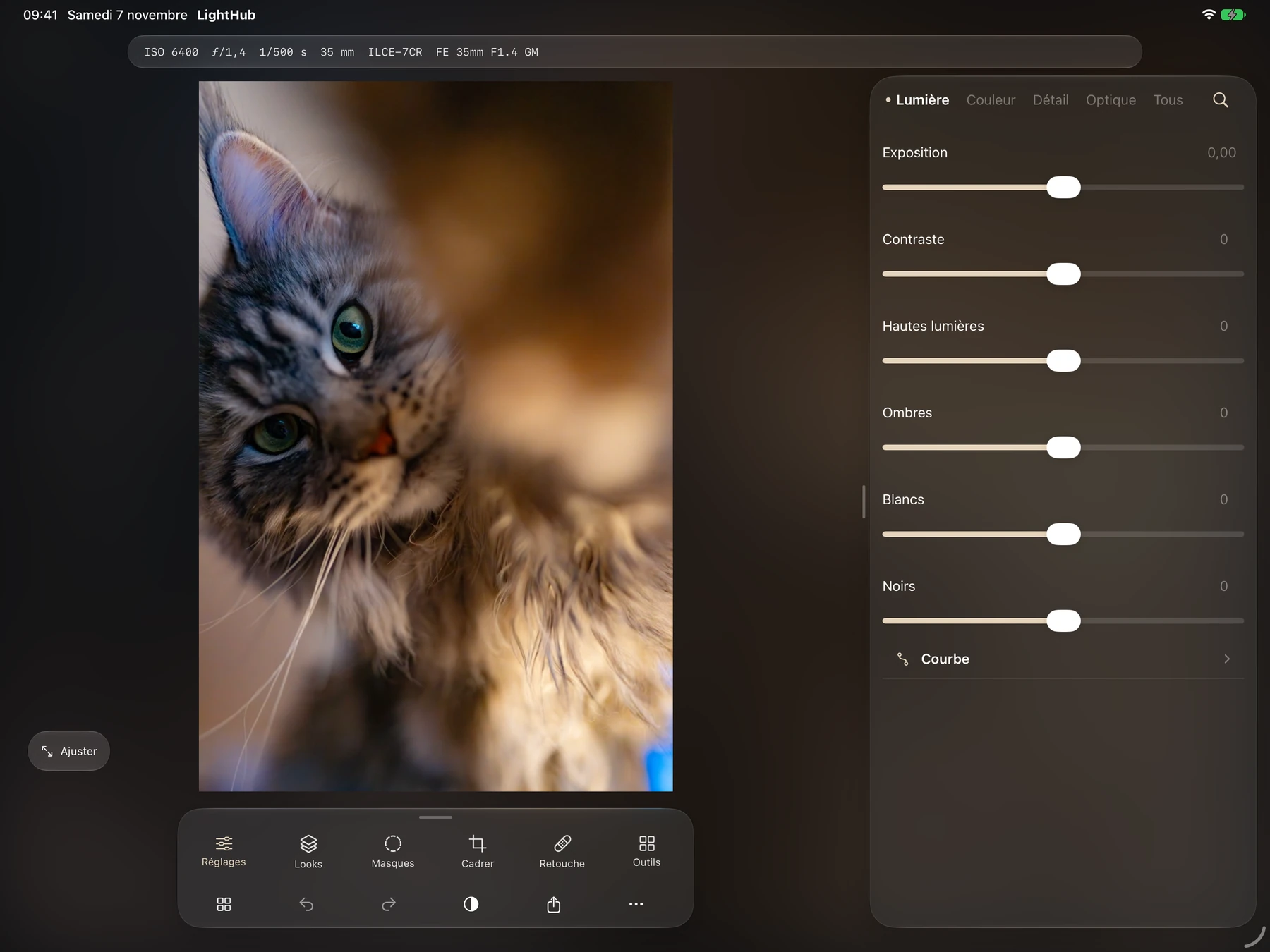
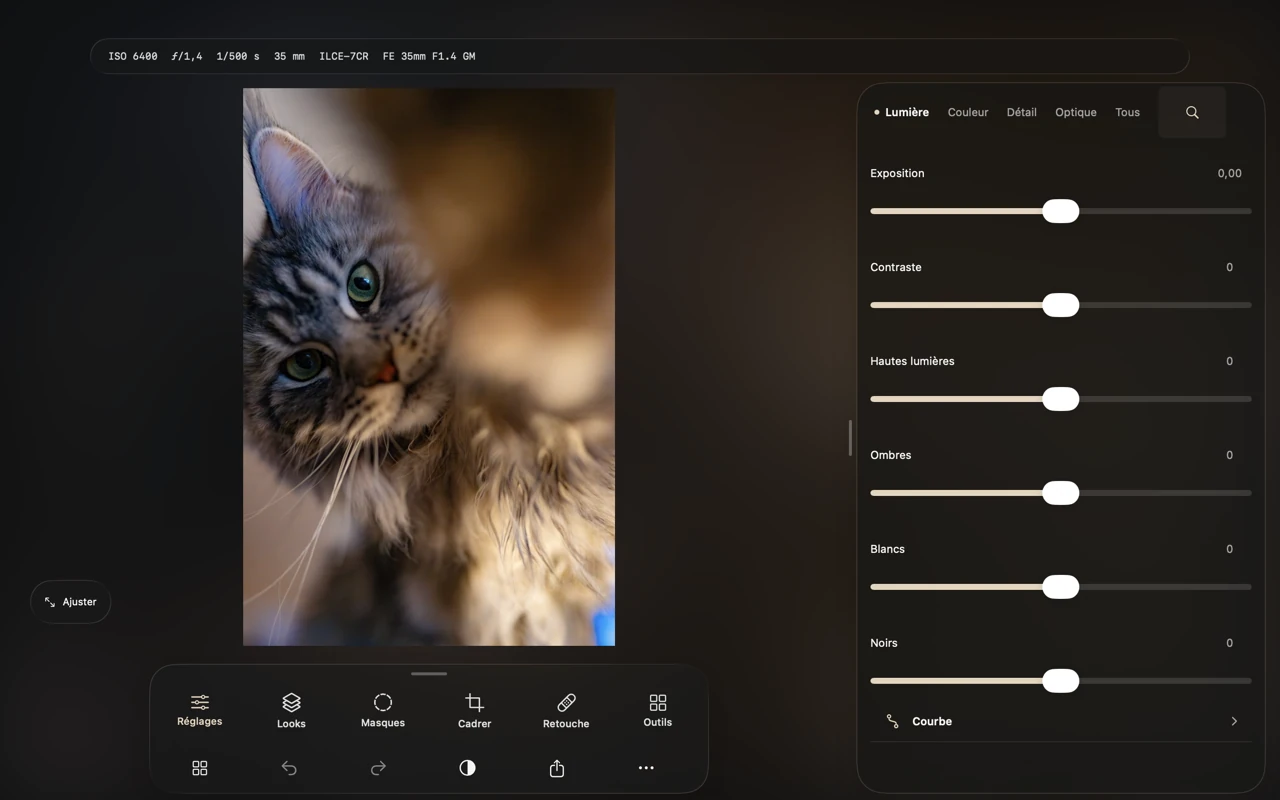
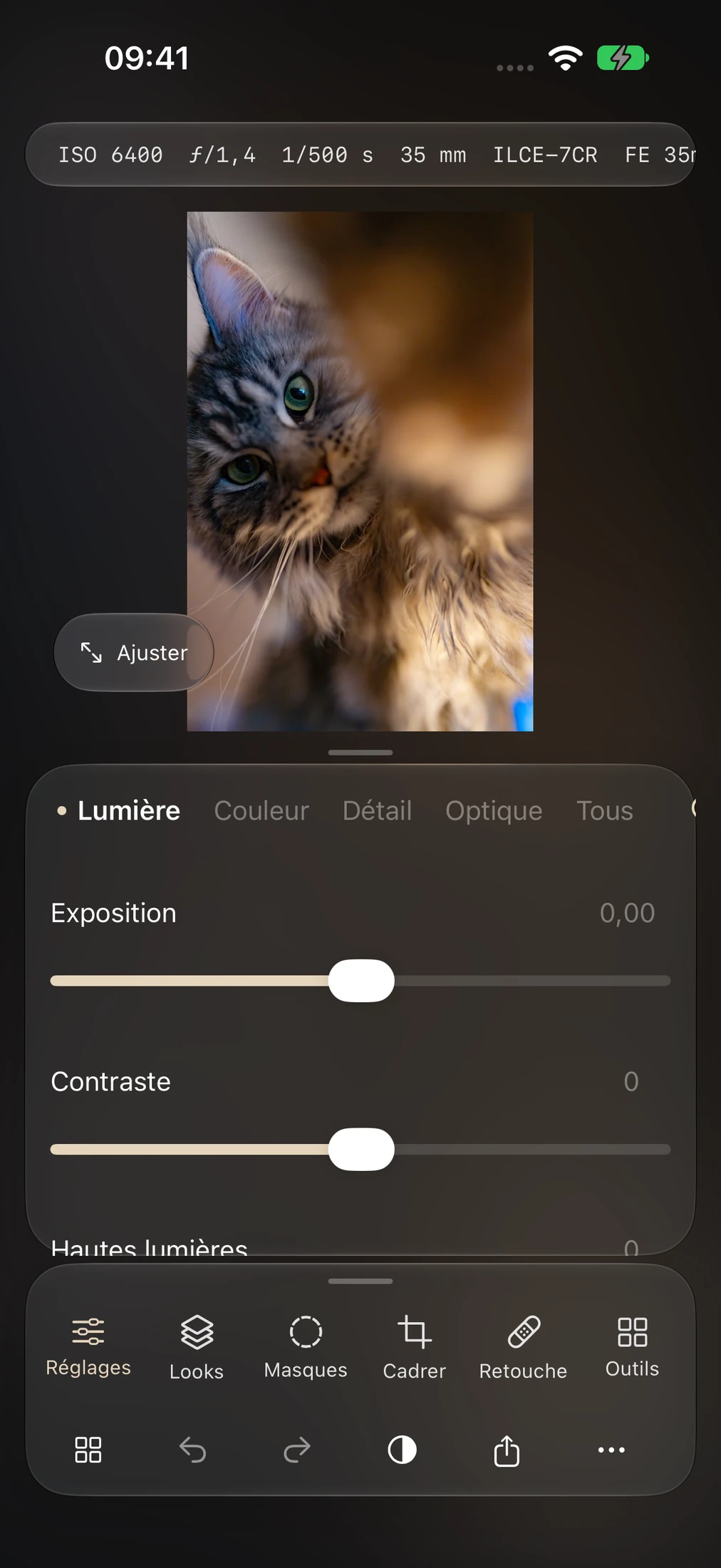
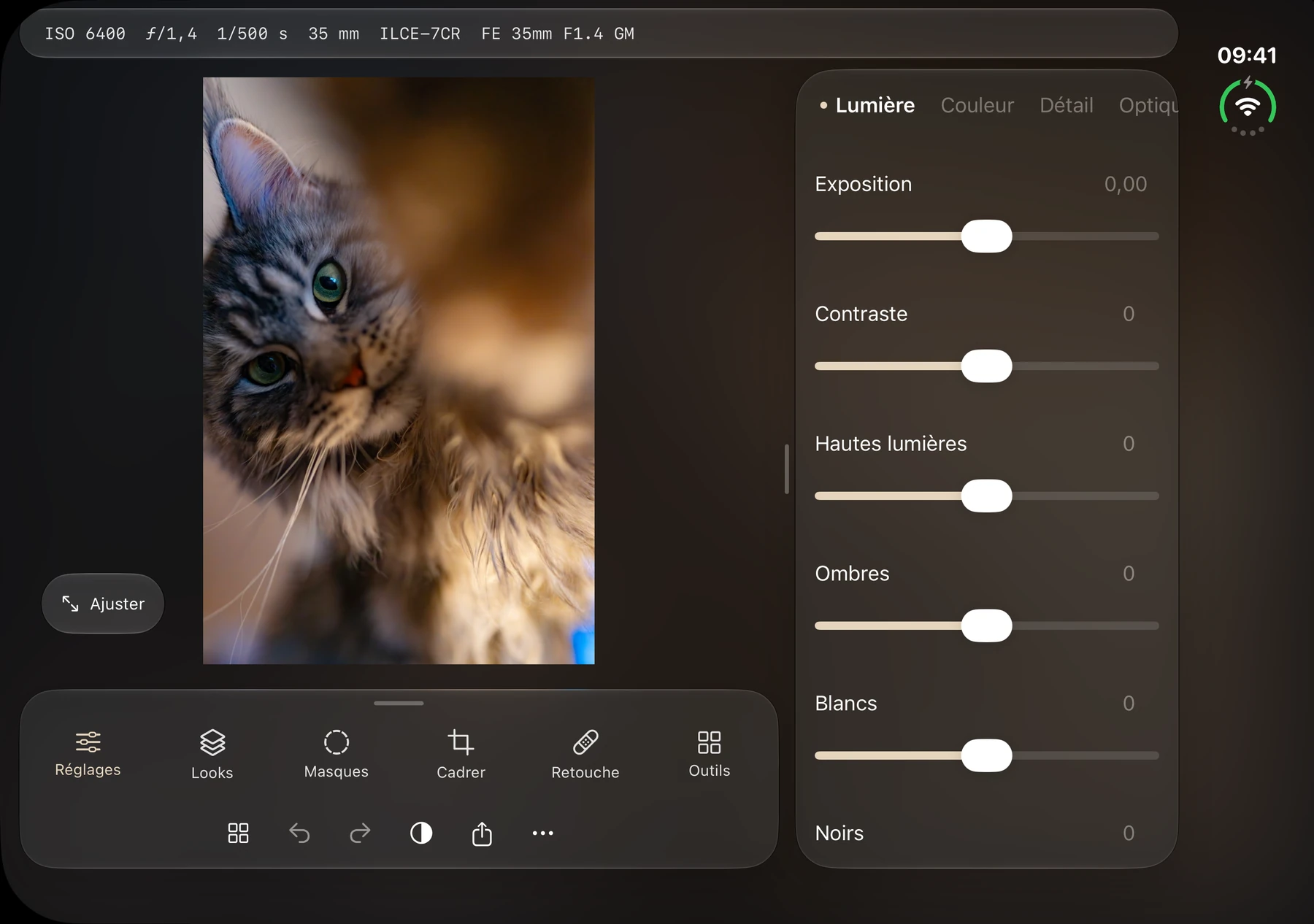
Modern interface
A clean, modern workspace that puts your image first and keeps editing tools within reach.
 LightHubCREATIVE SUITE
RAW development, catalogs and local adjustments. Shape your image, from light to color.
4 included sample photos in the Windows preview. Start before importing your own. Try it on Windows
Choose a device to see its interface.
In LightHub 0.13.0 on iPhone, iPad and Mac, drag the gold handle to move a brush, radial mask or gradient. White handles adjust the radius, or the angle and width of a linear gradient. The overlay stays red until the first local adjustment. Use the eye icon to show it again.
See the steps in the wiki →Native LightHub screenshots. Select an image to enlarge it.
Apple: earlier LightHub 0.13.0 builds, captured on Mac and simulators. Windows: existing captures of its separate edition; no new Windows session. Owner-provided photographs are used to demonstrate LightHub.
Windows 1.1.2 for x64 PCs. Create Instagram layouts with photos, text and shapes, then export as PNG or JPEG. Find presets and news in their own sections.
LightHub 0.13.0 brings the new masking tools to internal TestFlight testers on iPhone, iPad and Mac (iOS build 34 and Mac build 11).
See releases and beta access ↗No photos to prepare. On Windows, four built-in sample images let you explore LightHub as soon as you open it.
Download the free preview, then open the app.
Four images are included. No files to prepare or import.
Experiment with exposure, colors and editing tools to find your own look.
Built on the LightCraft Rust engine, LightHub brings together RAW development, catalogs, presets, local masks and export controls. A studio for photographers who want to refine their look, from the first adjustment to the final file. Windows is available as a free preview; iOS and iPadOS are available via TestFlight and macOS is available in beta.
Watch the official LightHub trailer, then explore its photo editing tools.
The YouTube player loads only when you click. You then connect to YouTube.
Every photograph opens a new direction.

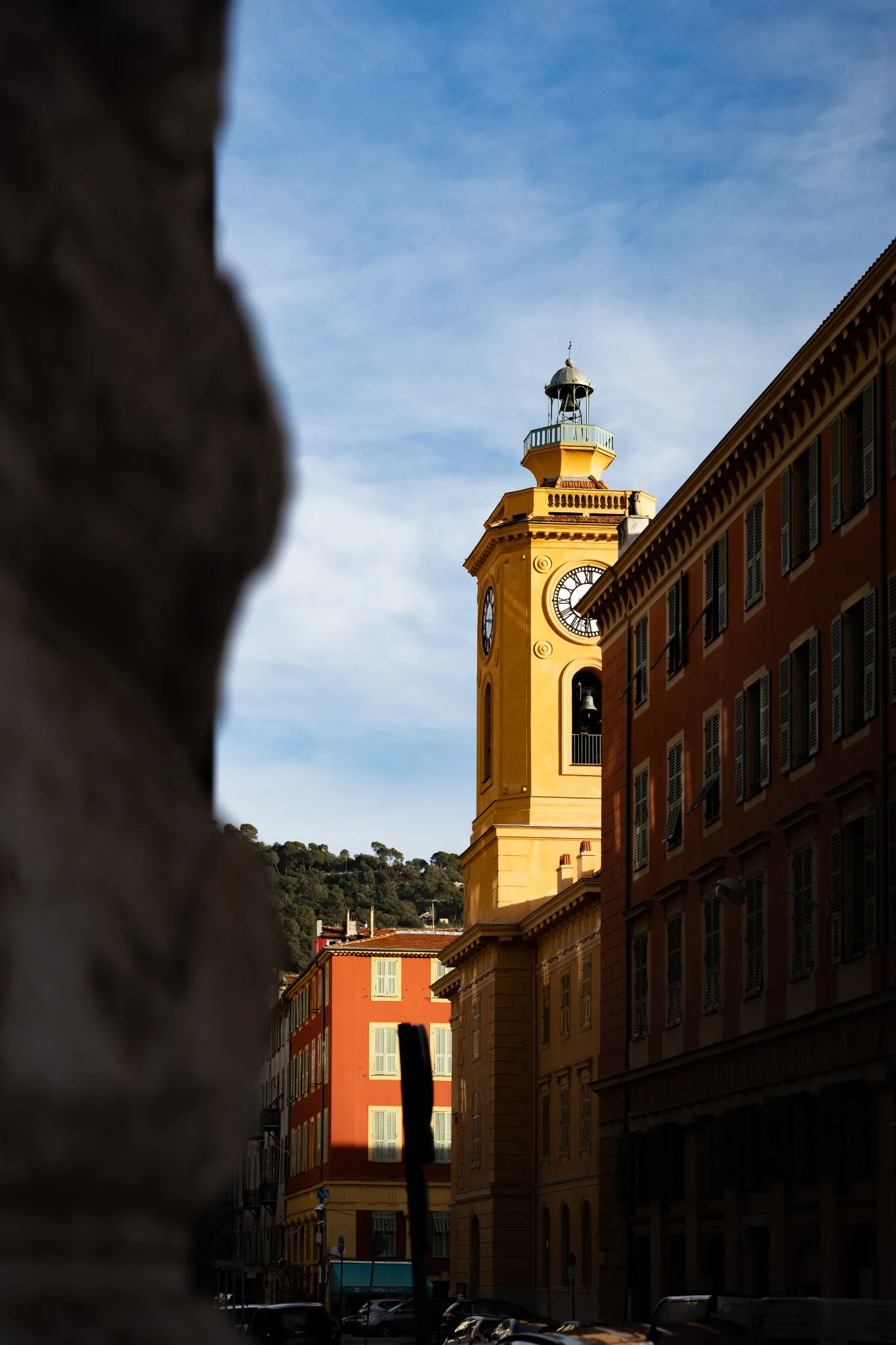
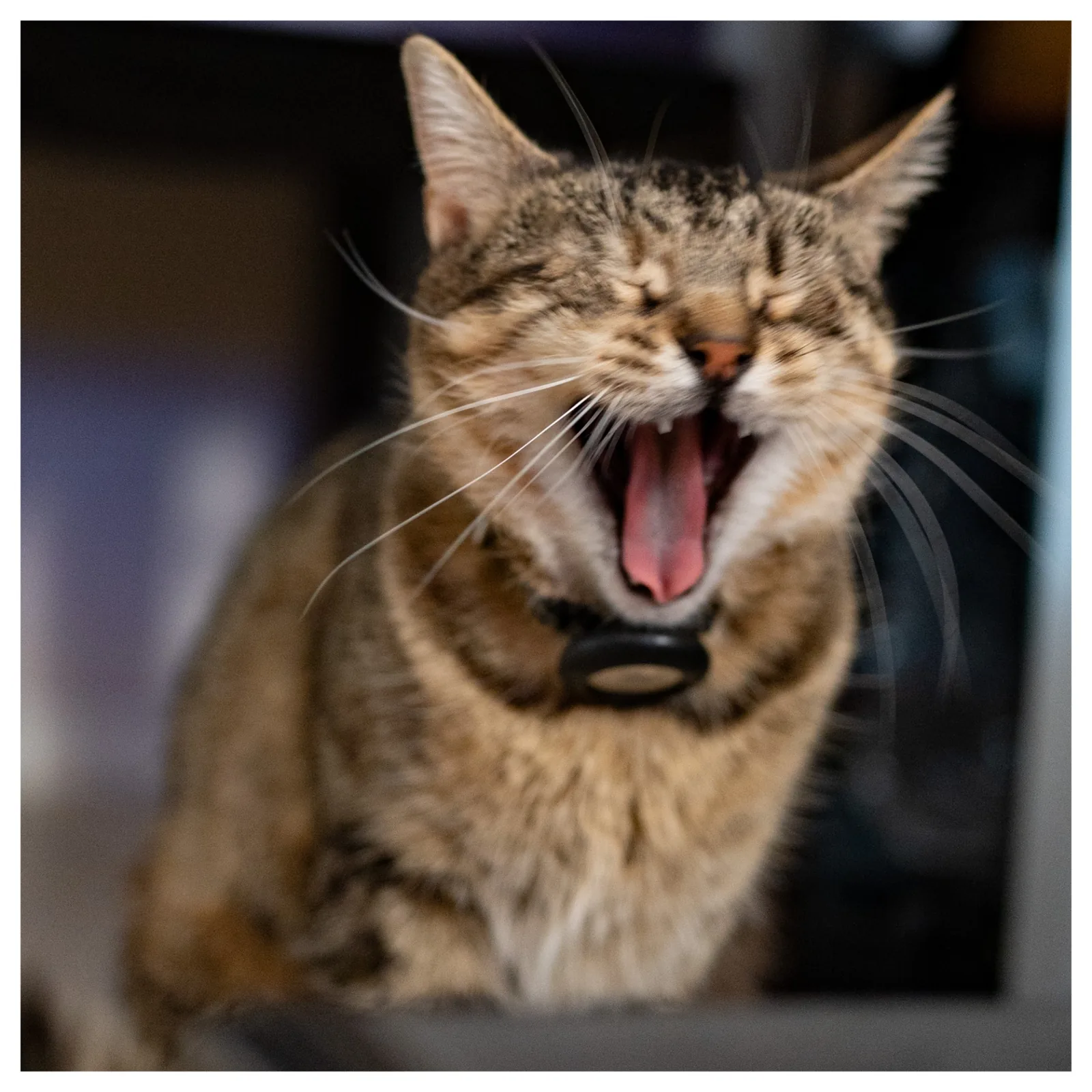
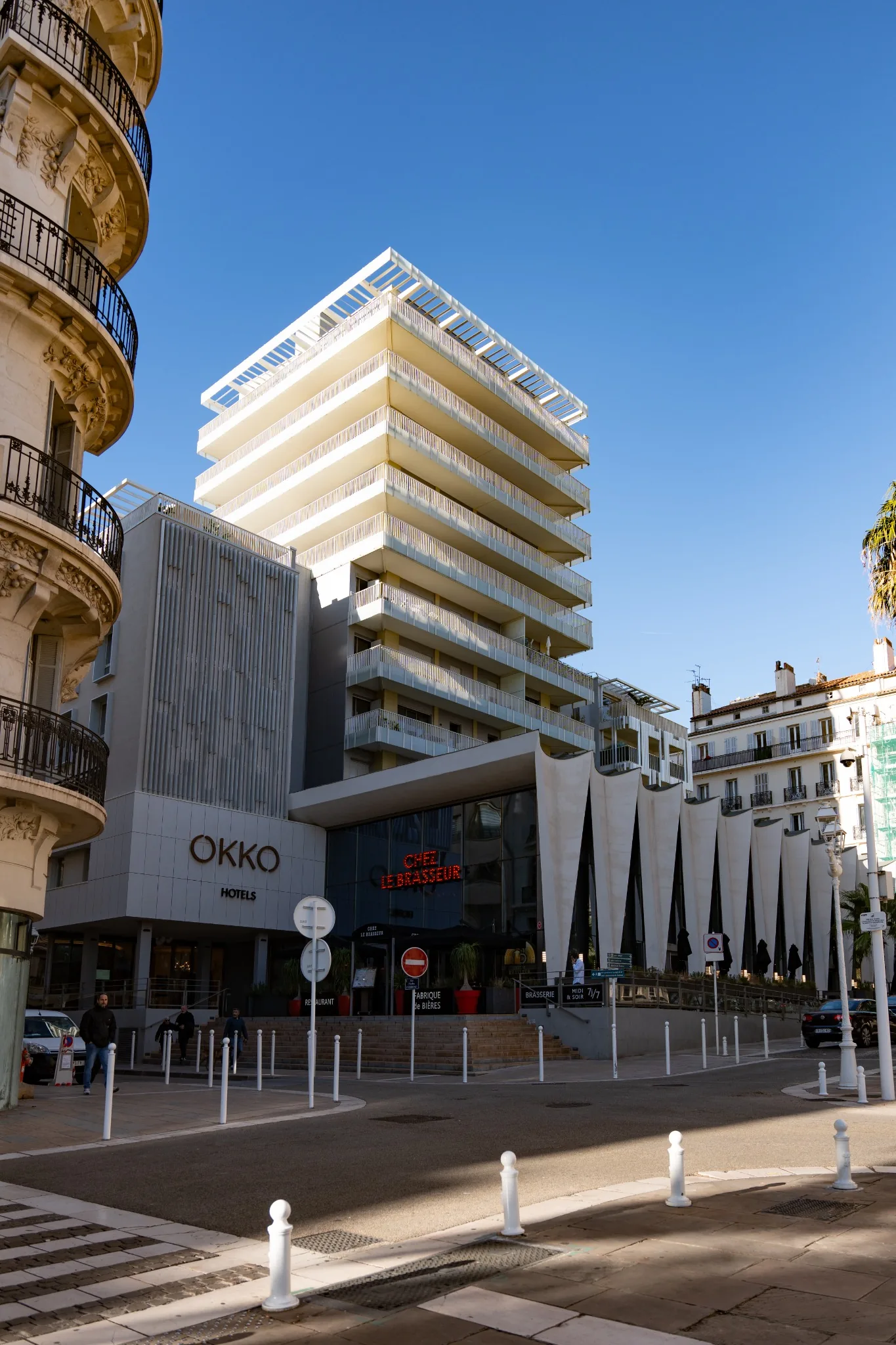
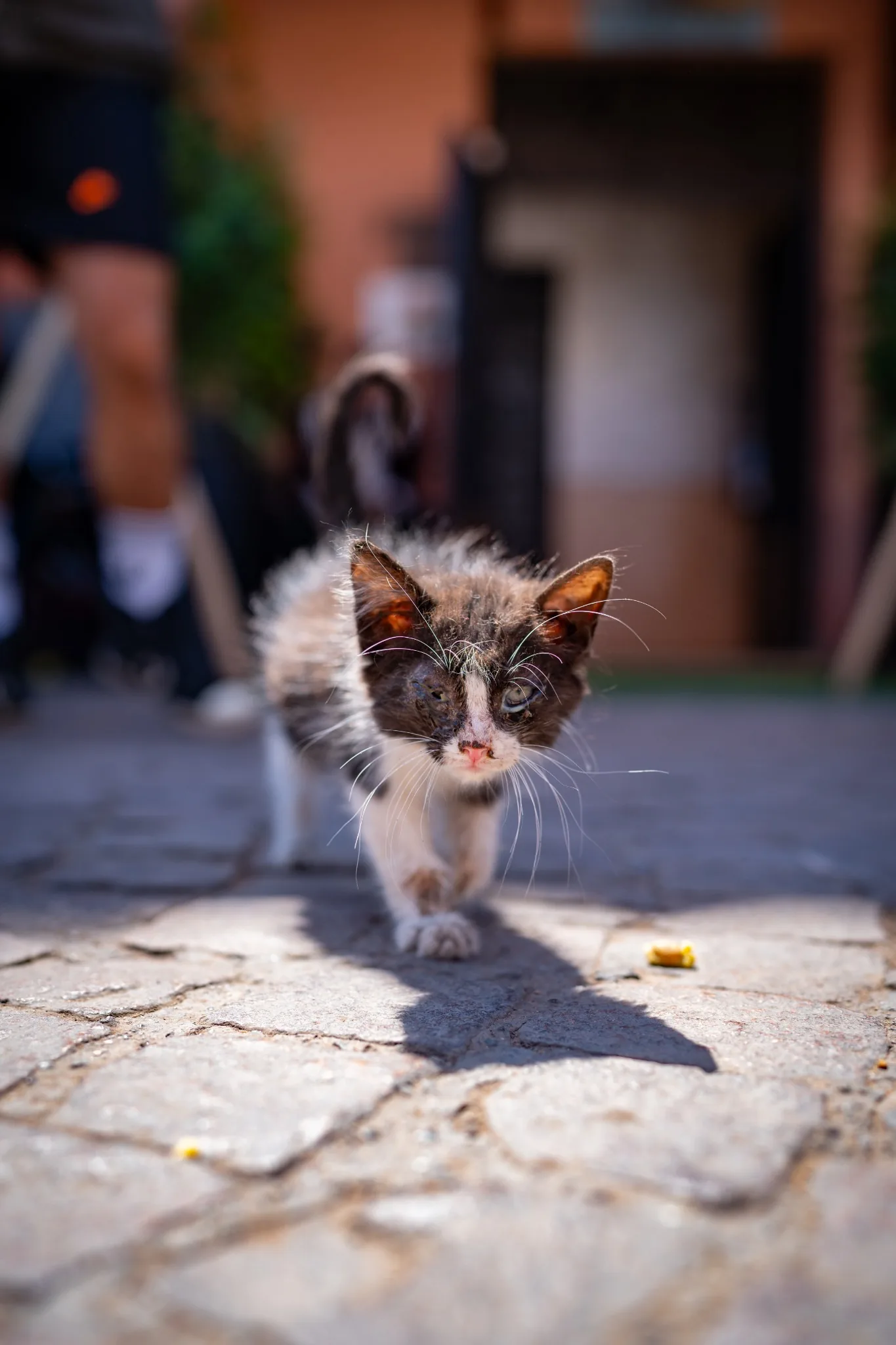
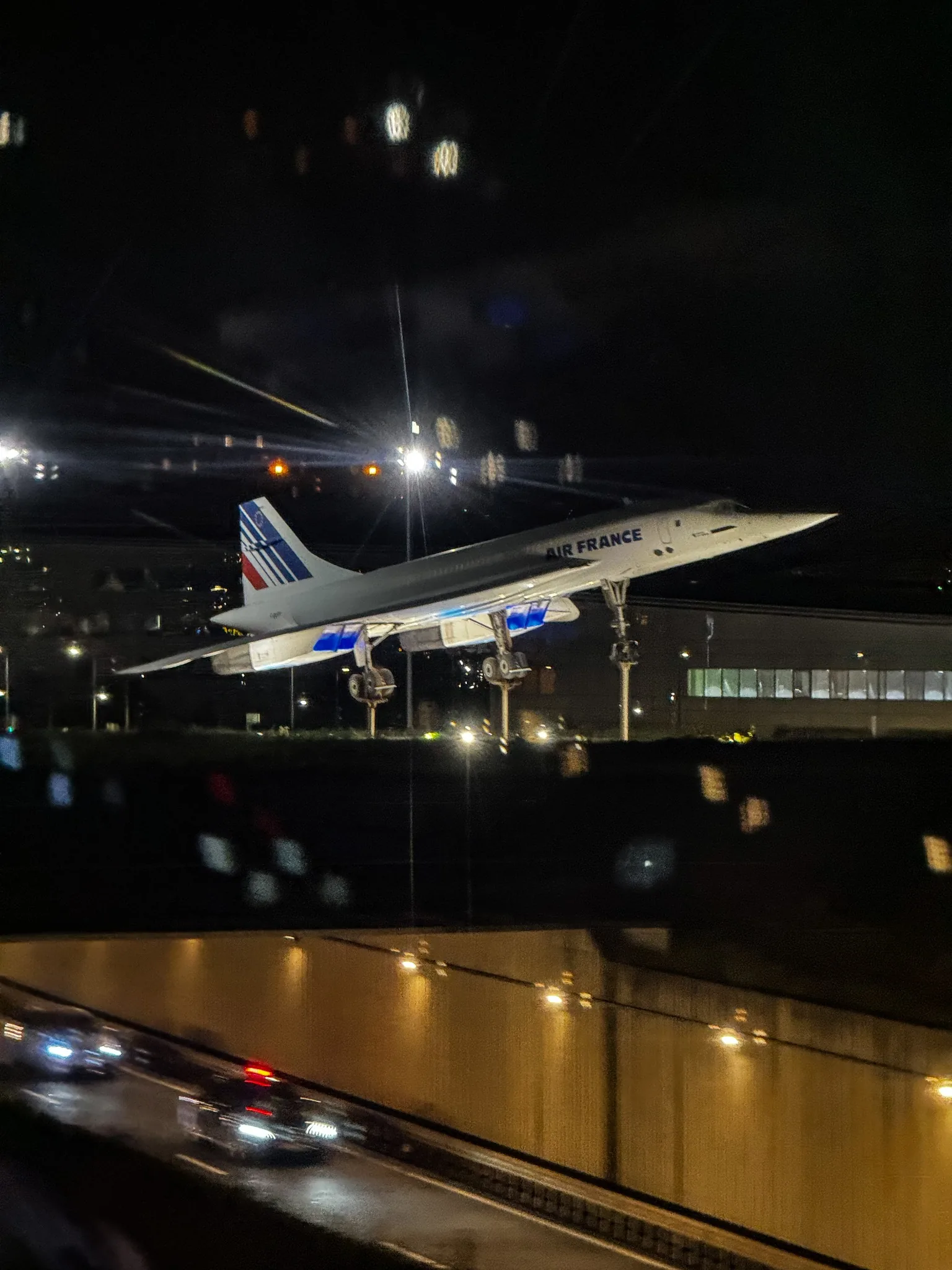
Photographs by Adam Besrest.
A professional approach to editing, from catalog to export: six features shared across Windows, iOS and the macOS beta, with an interface adapted to each device.
Select an object to target your adjustments, then tune its light and colour. Windows uses MobileSAM; current Apple editions use Vision locally.
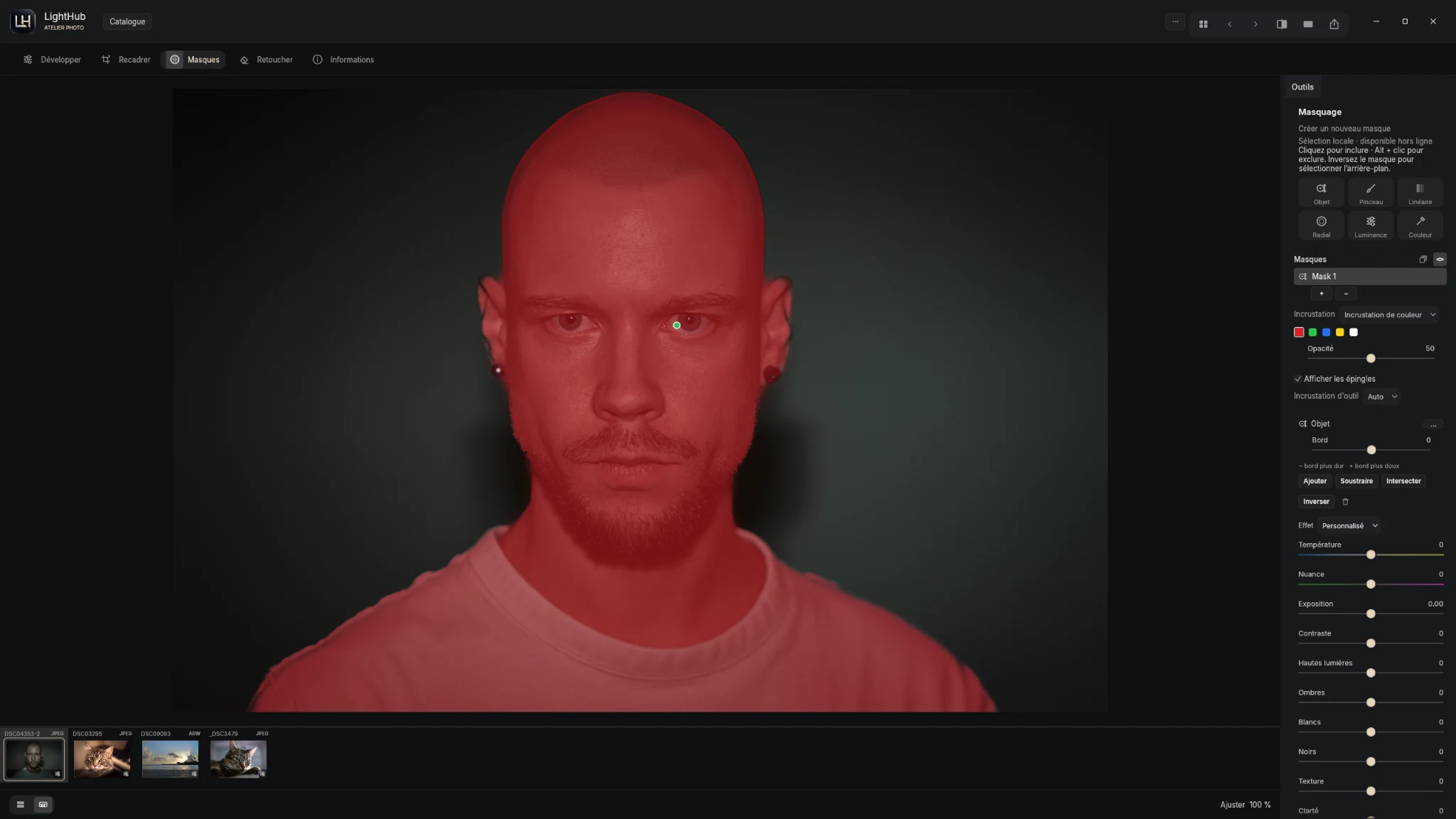
On Windows, click to include an area, then use Alt + click to exclude it. Invert the mask to work on the background.
Add, subtract or intersect selections. Refine your work with the brush, gradients, or luminance and color selections.
See the masked area with a color overlay, adjust the edge and apply local edits without changing the entire image.
Texture in the snow. Depth in the sky. Compare four real edits and see what your adjustments change.
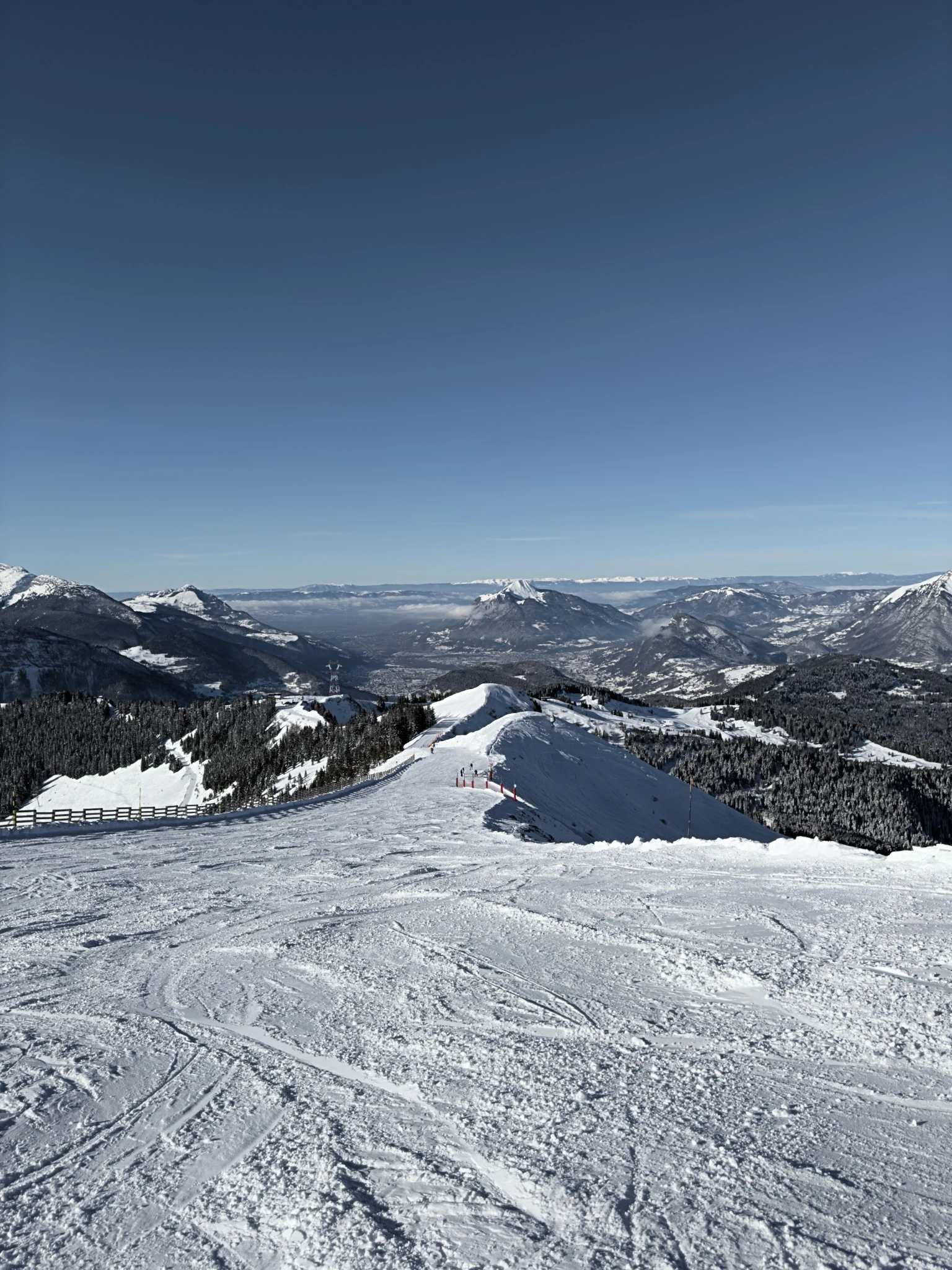
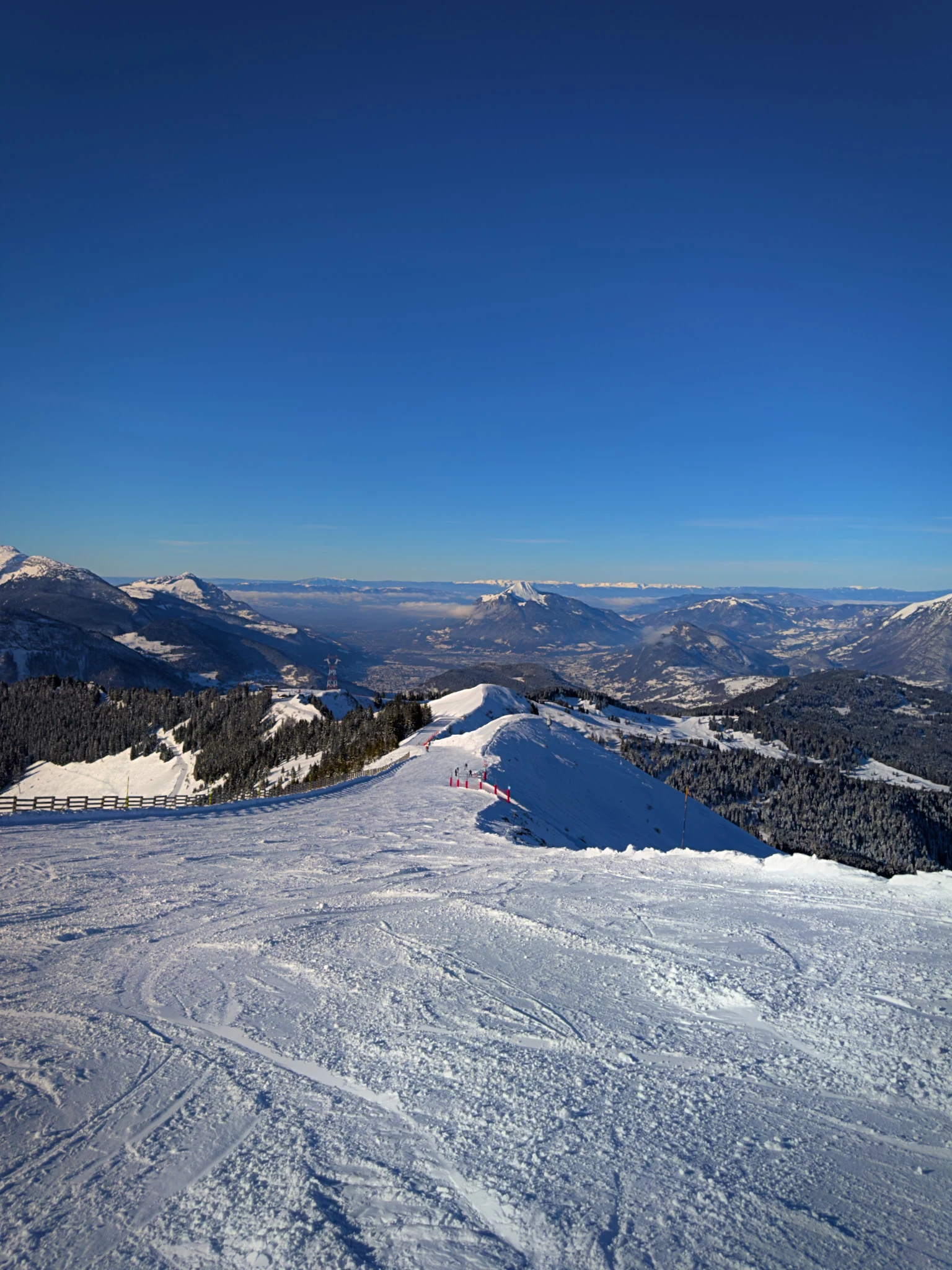
Depth & color
Four photo pairs supplied by the publisher. Drag the slider to compare the original and the edited result.
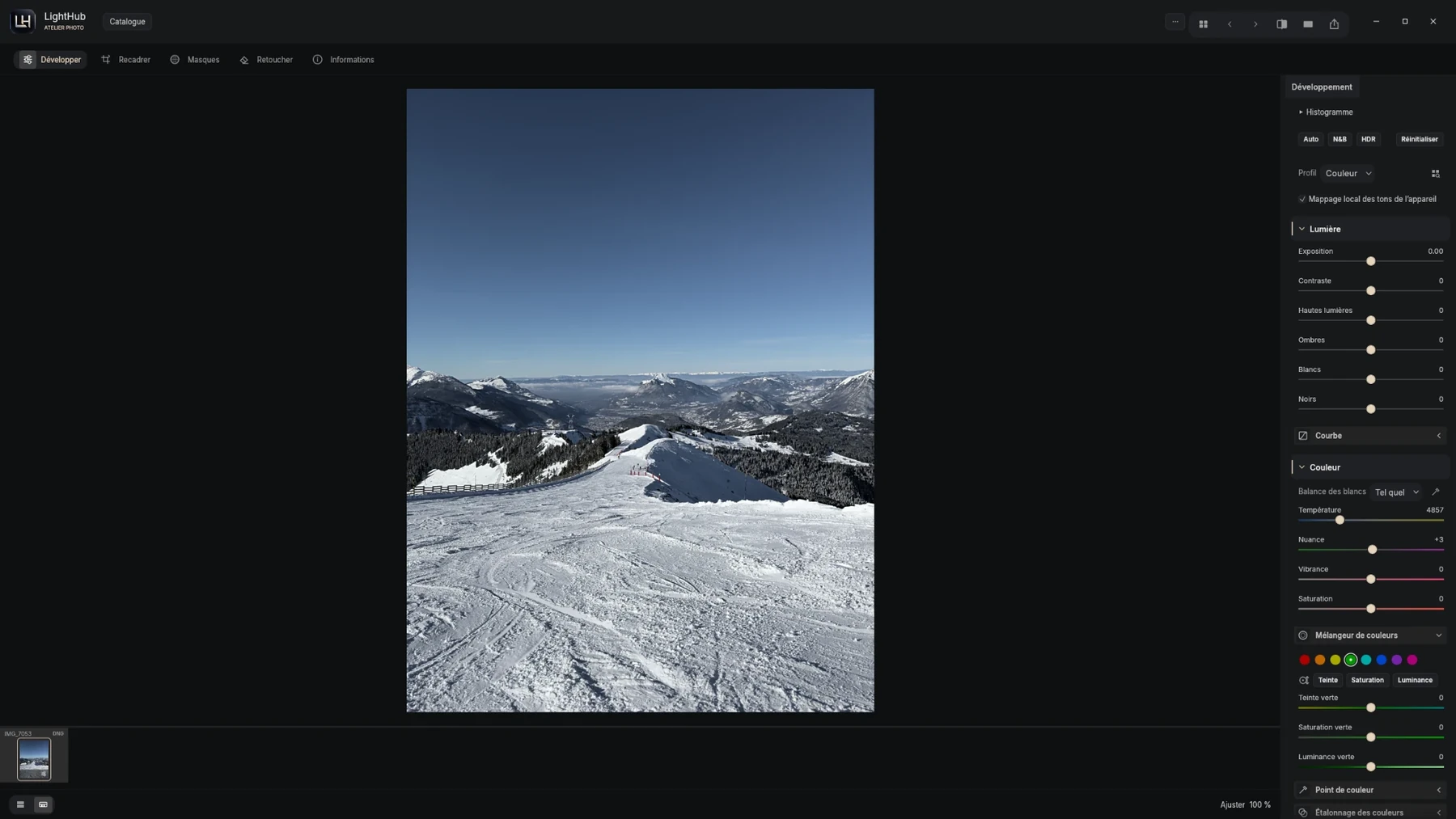
Develop your photos in a workspace designed for a larger screen. Light, color and your library: discover LightHub on Windows.
Download for free ↗Developing a DNG in LightHub: light controls, white balance and the color mixer.
A side-by-side comparison of color and black-and-white looks.
Catalogs, albums and sample photos: organize your images in a dedicated workspace.
Actual screenshots of the Windows version. Click an image to enlarge it.
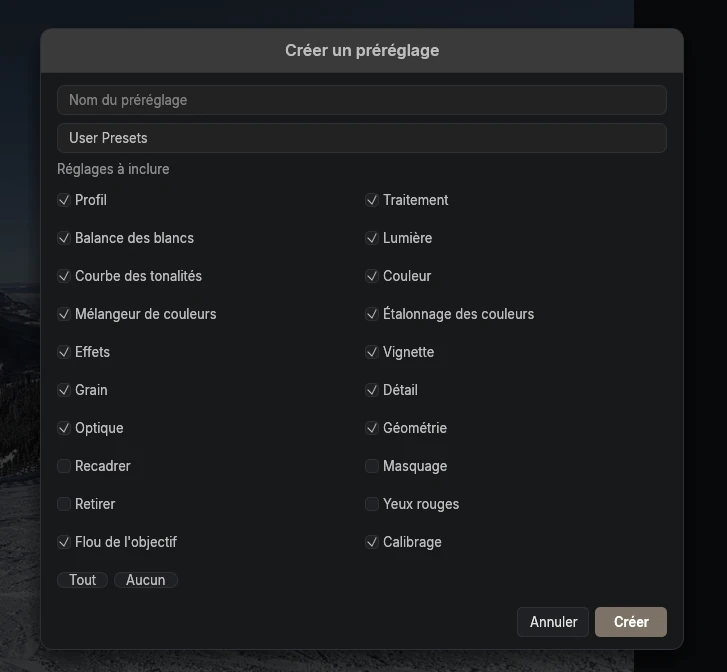
Choose which settings to include in your presets and return to your creative direction without starting from scratch.
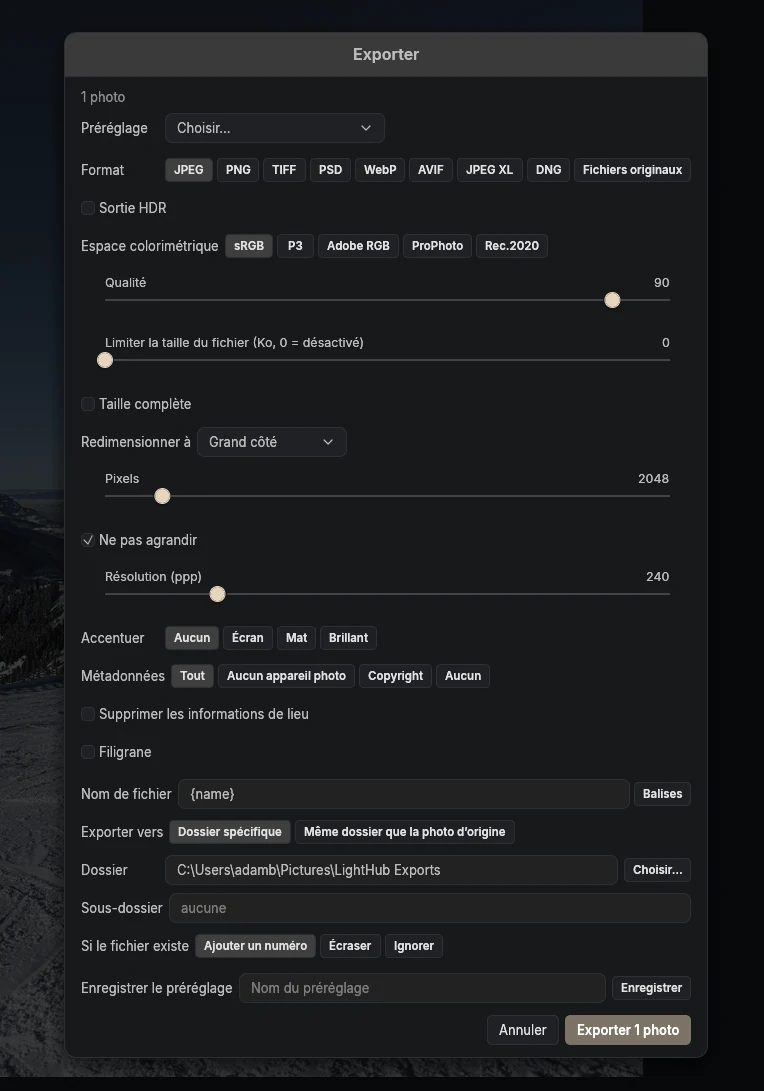
The export panel brings delivery settings together: format, color, dimensions and metadata, in one workspace.
LightHub builds on LightCraft, a photo editor written in Rust with code available under the MIT or Apache 2.0 license. The project is developing its own identity on Windows and iOS, with a macOS beta now available.
Features and compatibility will be specified for each distributed version.
Licenses and credits ↗LightHub uses LightCraft decoders for families such as DNG/ProRAW, Canon CR2/CR3, Nikon NEF, Sony ARW and Fujifilm RAF. Some variants only provide an embedded preview. Compatibility depends on the camera, compression and version. See the RAW formats and limitations.
The Windows version is free. iOS pricing is still to be decided. No macOS pricing has been announced.
The download page lists the available versions. Windows installers are hosted on GitHub Releases. iOS and iPadOS are available via TestFlight with access requests through Discord. The macOS beta is available on GitHub.
Yes. The Windows and iOS sections show actual screenshots of each version. The iOS screenshots come from the test version on iPhone Duo. The macOS beta is not pictured yet.
The macOS beta is available for Apple Silicon and macOS 14 or later. It is development-signed and not notarized.
iCloud synchronization is optional on iPhone, iPad and Mac. Photos can be enabled separately from settings and catalogues. Manual archives are backups and do not replace synchronization. Windows does not use this Apple synchronization.
LightHub is an independent port by Adam Besrest, with no affiliation to ArtCraft or Apple.
Tools, formats and limitations for each edition.
Read the wiki →