Open or create a document ↗
From the home screen, open a DOCX or create a blank document. Tap or click the ivory page to place the caret and start typing.
 LightHubCREATIVE SUITE

Edit Word documents on an ivory page, with editable tables and ink-blue revisions.
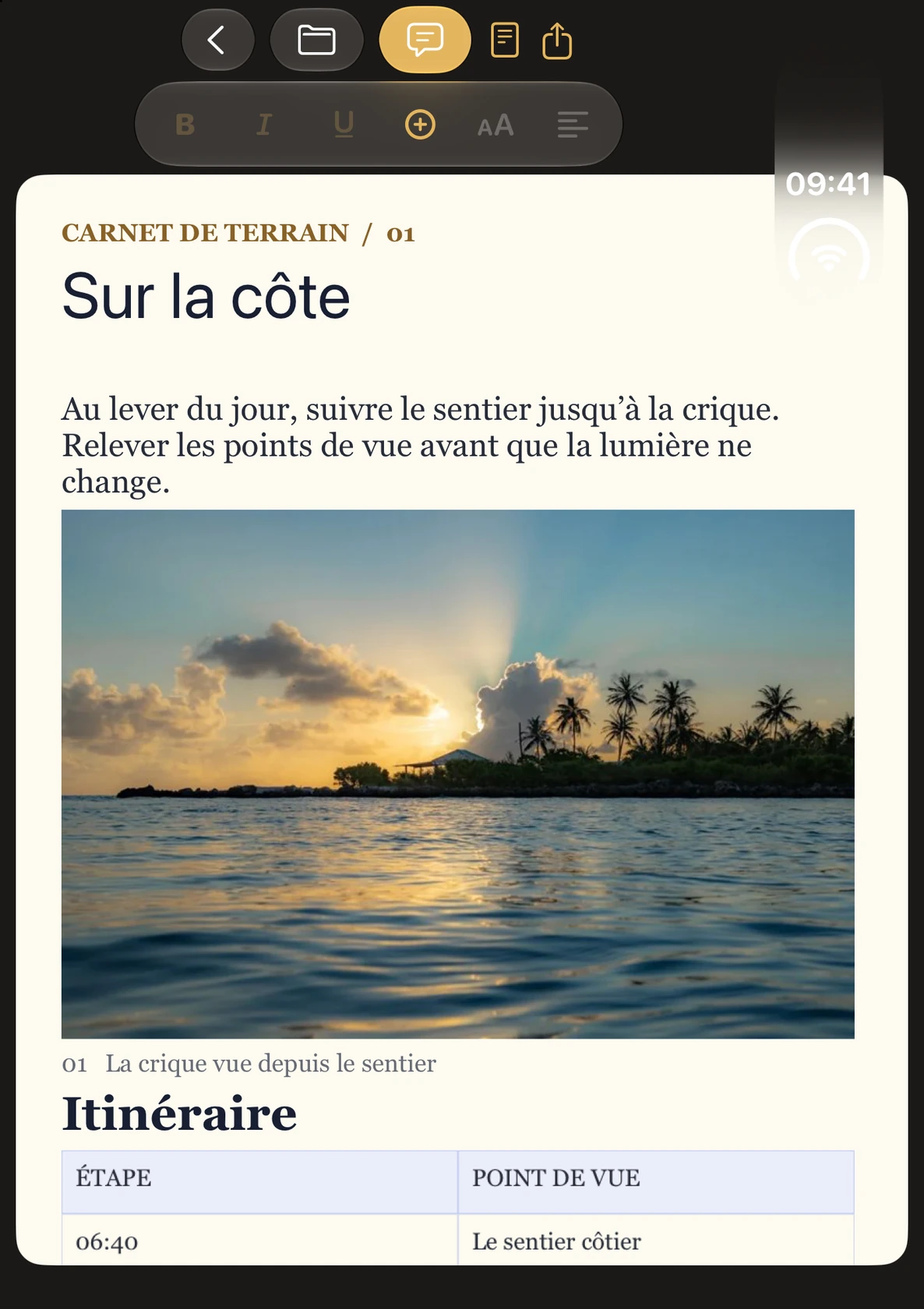
iPhone, iPad, iPhone Duo and MacA field journal open in WordHub. Tap or click any screenshot to enlarge it.
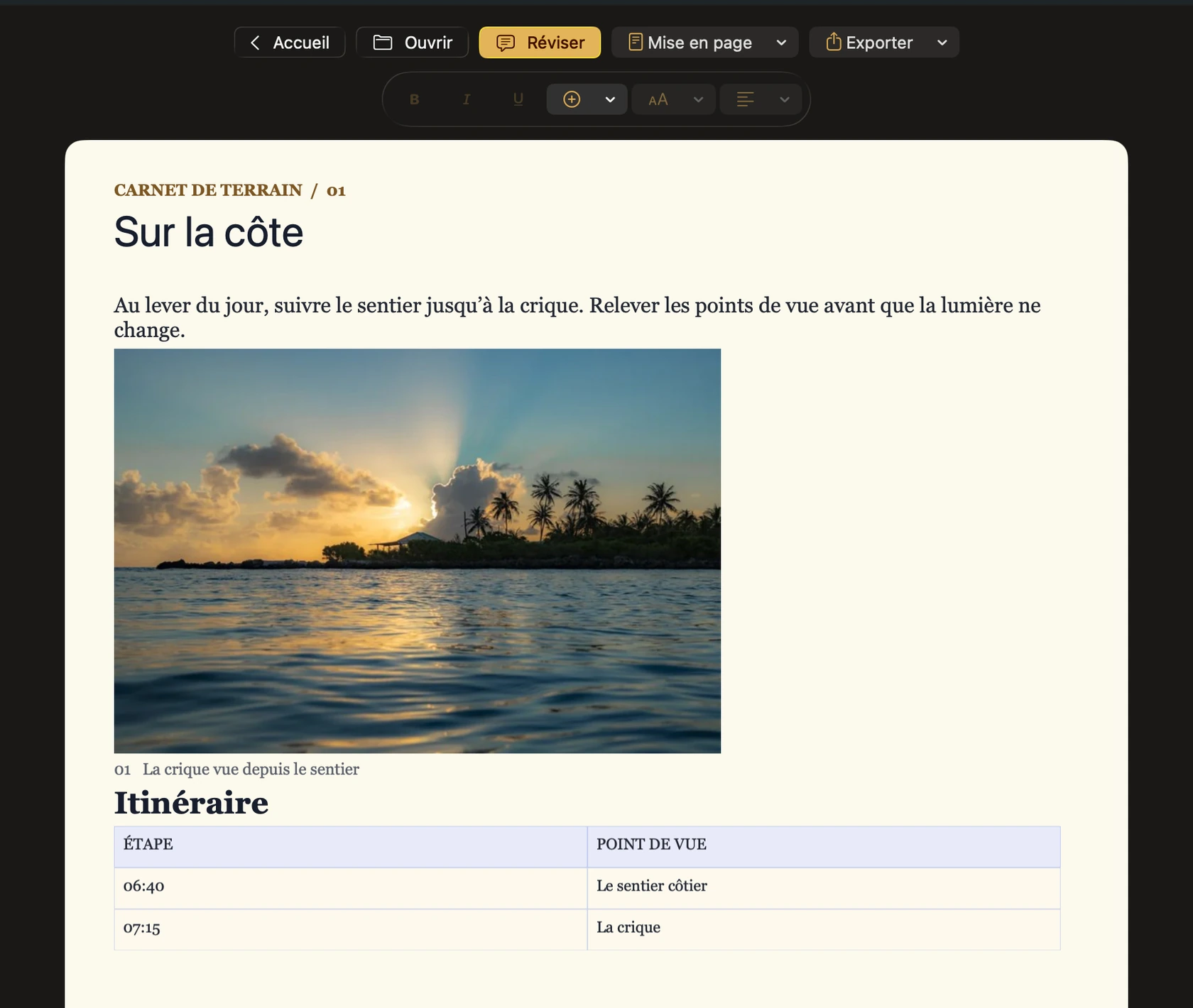
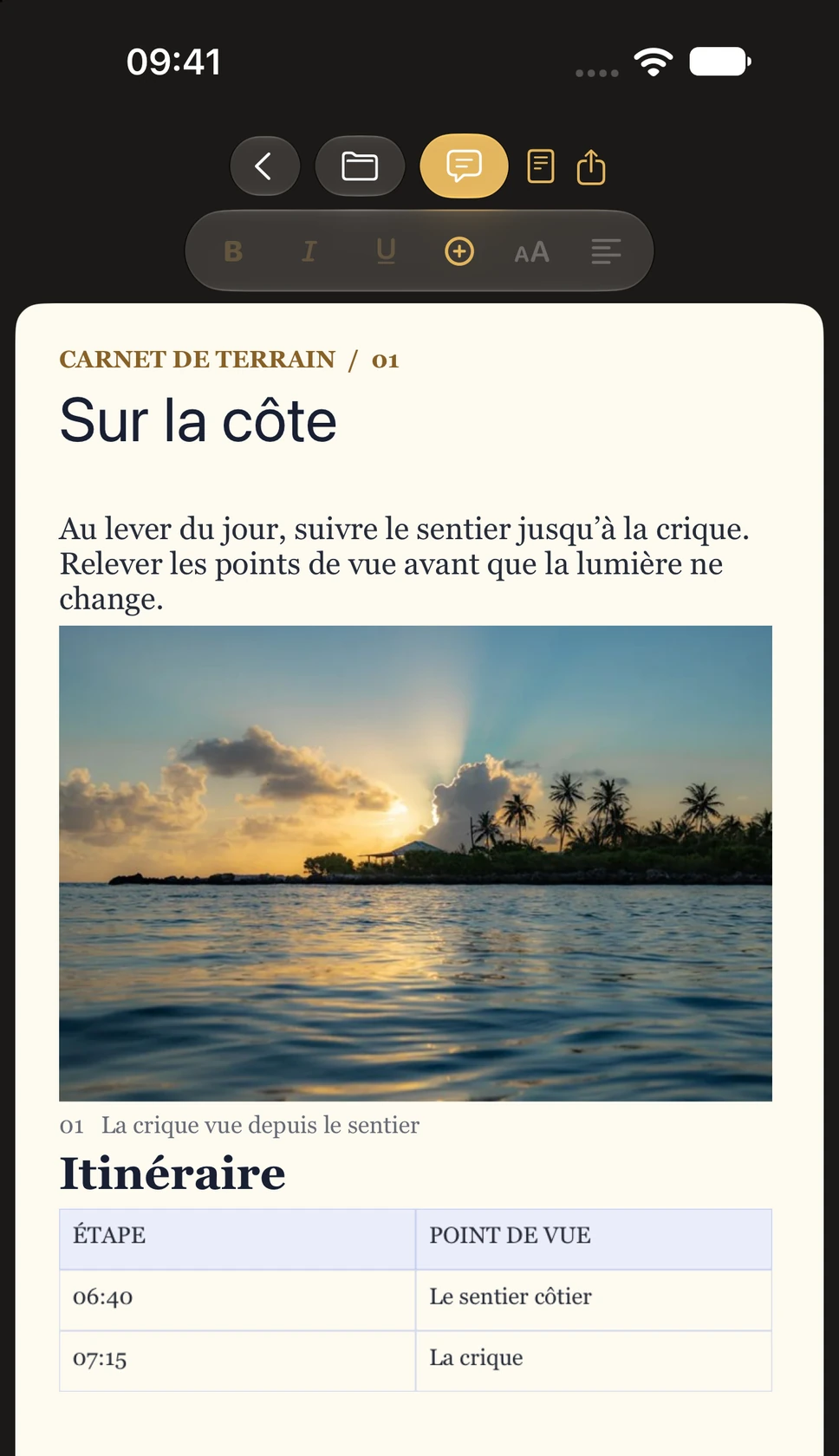
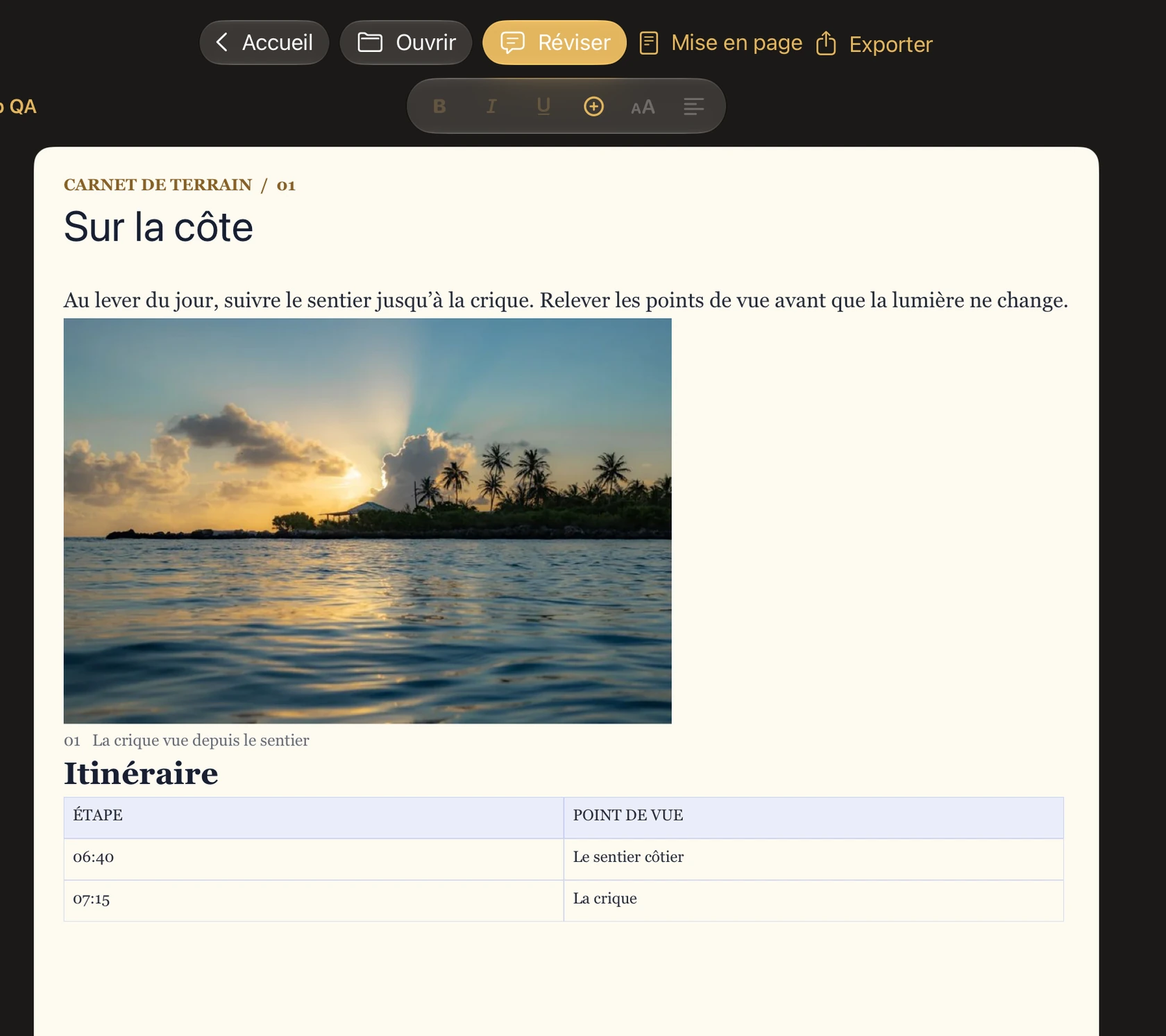
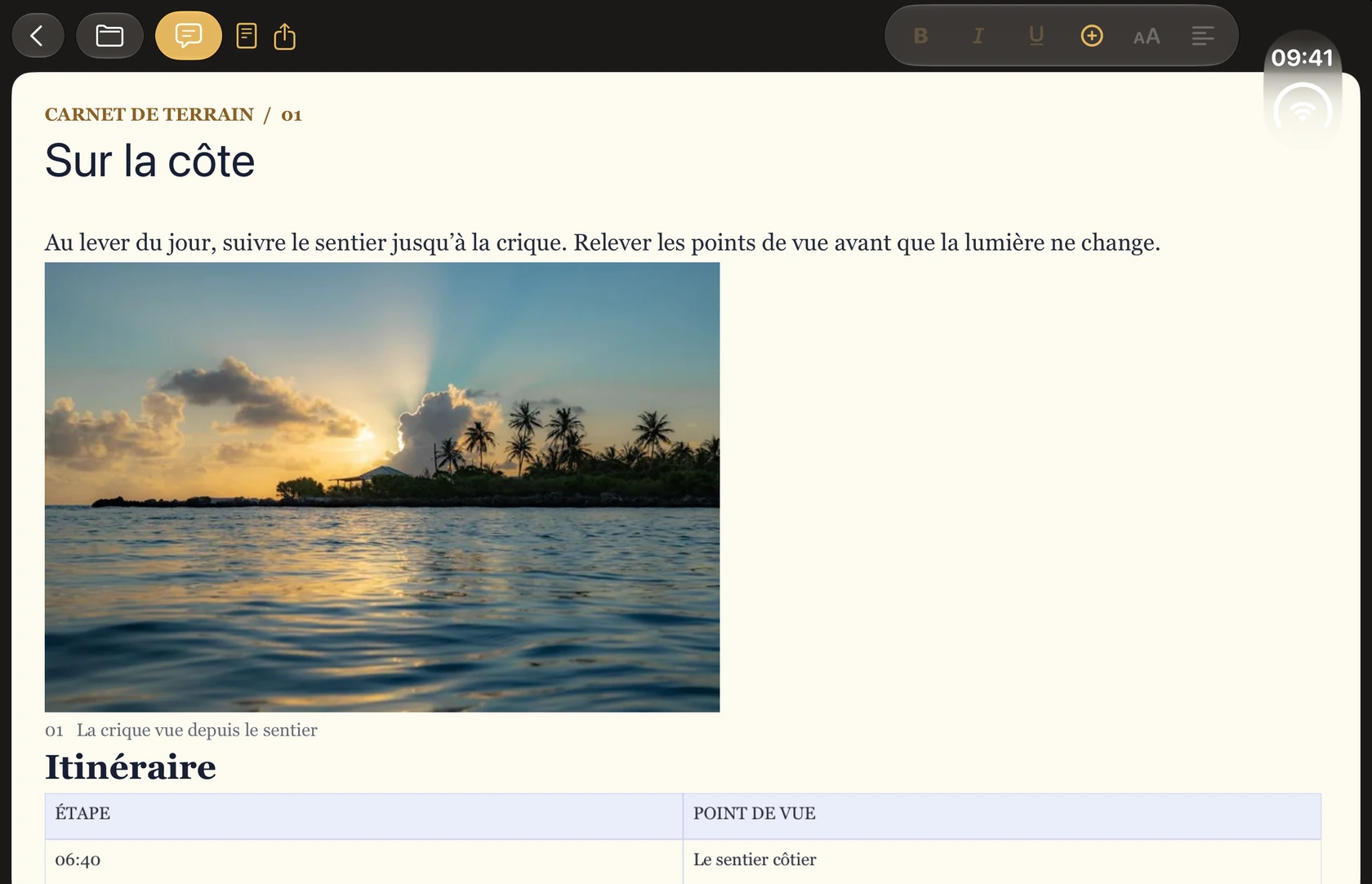
Explore the wiki for each feature family and its limitations.
From the home screen, open a DOCX or create a blank document. Tap or click the ivory page to place the caret and start typing.
Select text on the page to apply bold, italic, underline or other styles from the ribbon. Layout groups the page and margin settings.
Tap a table or choose it from the + menu. Click or tap a cell in the inner table: paragraphs above, within and below it remain editable in the same grid.
Use the + menu to insert an image on the page or the image button to insert one in a cell. Tap a cell image to resize, replace or delete it.
Open Review and enable tracking to mark future edits. The ink-blue margin shows the active revision.
Use Export to save to the original file or export a new DOCX copy. If the original has changed, export a copy to preserve both versions.
This guide describes WordHub 1.0. Use the paginated preview to check complex documents before sharing. WordHub uses the system to sync files opened from iCloud Drive.