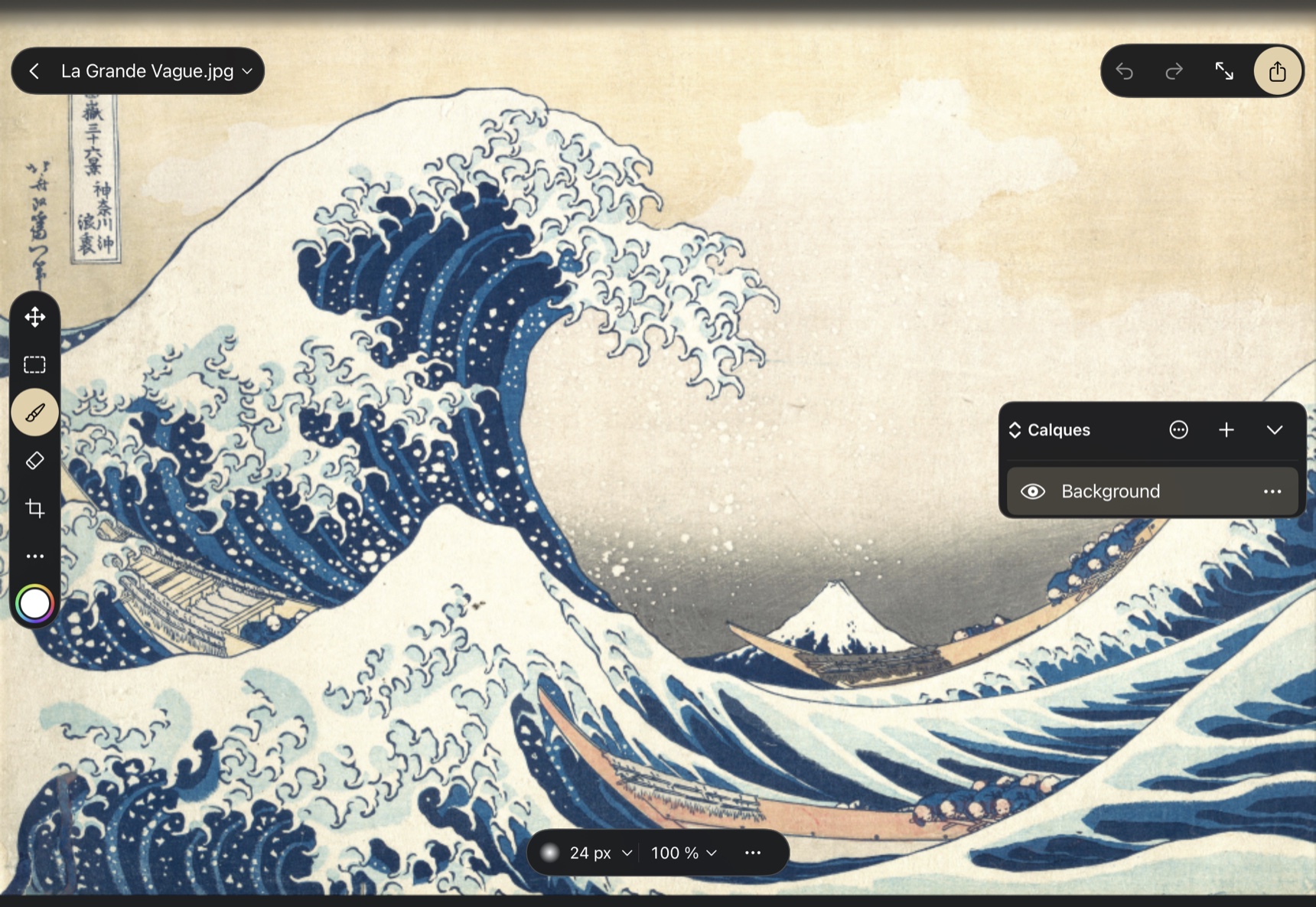
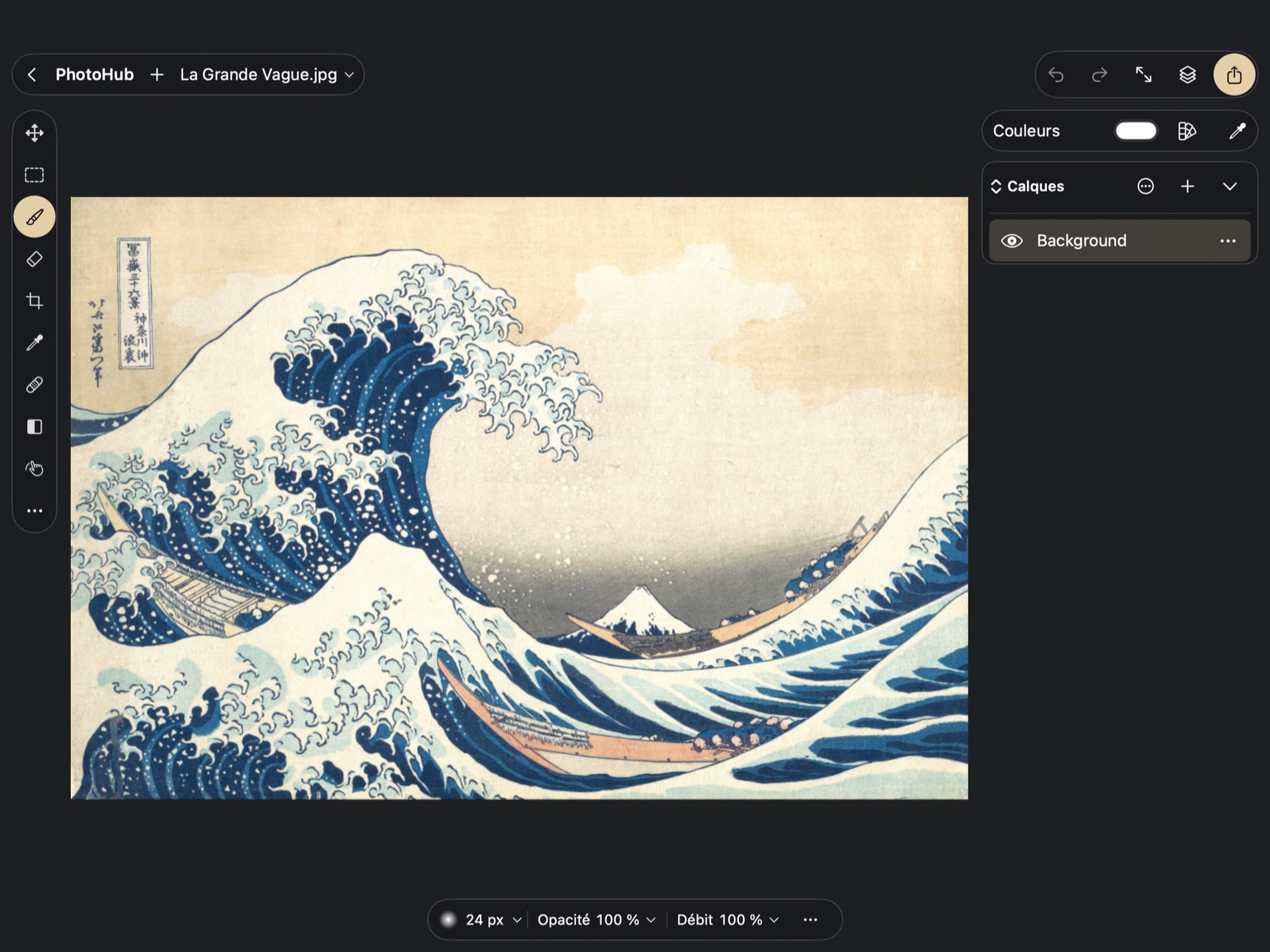
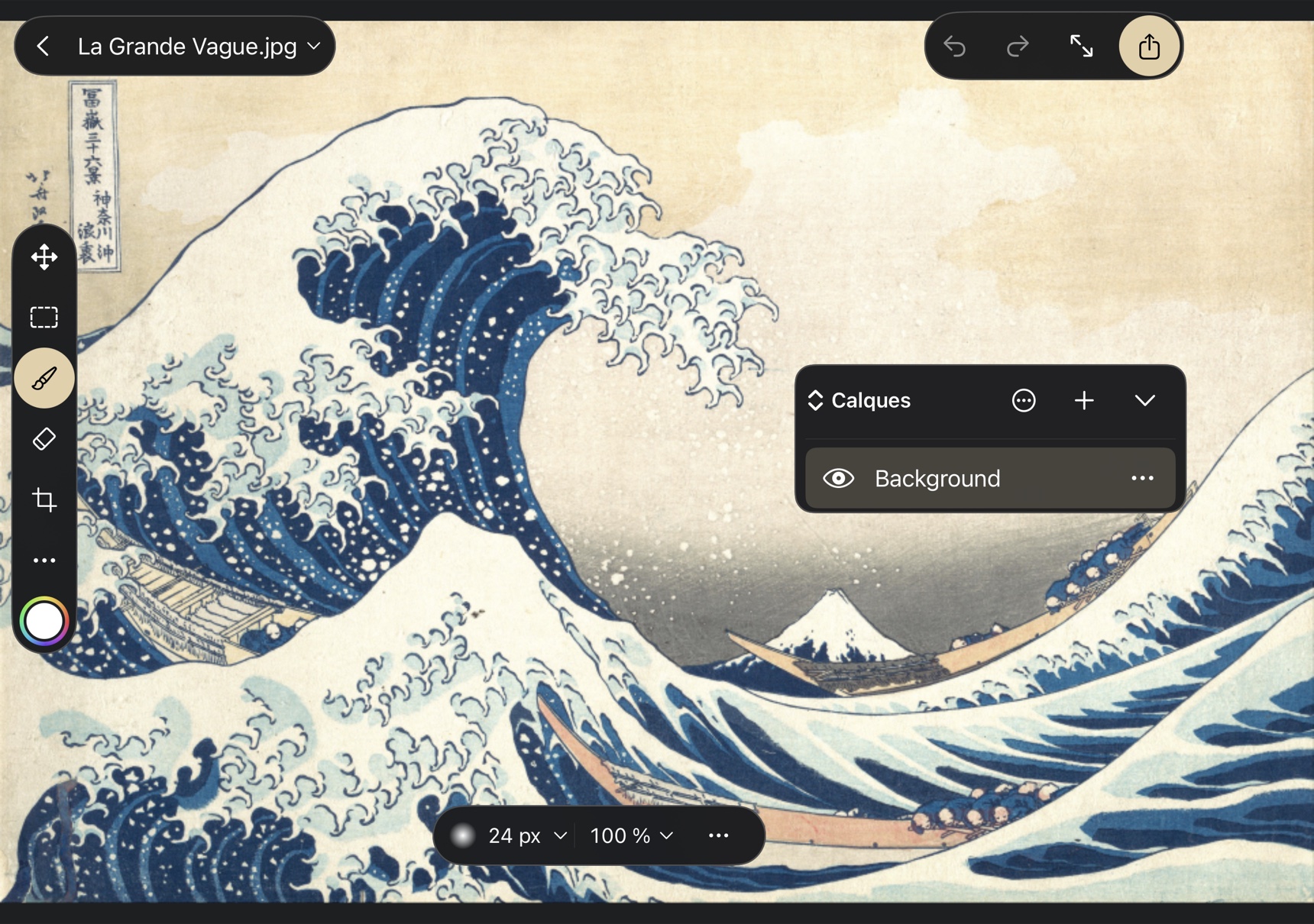
Select, rename, duplicate, reorder and delete layers. Manage visibility, opacity, fill opacity, blend modes, clipping and locks. Groups collapse, expand and merge. Advanced options include blending channels, split tonal thresholds and effect-mask settings.
Paint into a mask, adjust density and feather, then enable or link it to its layer. Work, named and shape paths can become vector masks. Properties provide visibility, inversion, loading as a selection, conversion to a pixel mask and removal.
Painting and erasing accept Pencil or finger input according to preferences. The library retains brush presets, imports ABR files and creates tips from a selection. Pencil, mixer, color replacement and selective erasers extend the tools. Pressure, tilt and compatible Pencil controls are documented, with physical validation still needed for advanced gestures.
Clone Stamp and Healing Brush provide transformable sampling sources. Patch and Content-Aware Move preview the moved selection. Content-Aware Fill offers an editable sampling overlay. Pattern Stamp uses a PAT pattern with scale and angle.
All sixteen engine adjustment families have native controls. Curves, multichannel levels, HSL mixer, color balance, black and white, photo filter, channel mixer and selective color are available in their panels. Gradient maps and Color Lookup complete the look, with .cube, .3dl and .look import.
Import images and PSD documents. Documented native exports include PNG, JPEG, TIFF, PSD, PSB, WebP, flattened PDF, OpenRaster, BMP, OpenEXR and JPEG XL. Depending on format, set quality, transparency, layers, size, profile and metadata. Import and export warnings report limitations. Artboards, layer compositions, slices and specialized exports have their own controls.