Import and find
Import from Photos and Files, search, favorites and recent edits: the library is your starting point for finding images to work on.
 LightHubYOUR PHOTO STUDIO
LightHub for iOS is a native photo editing app for iPhone and iPad. Built with a SwiftUI interface and the Rust LightCraft engine, it is currently in testing. No public download or iOS pricing has been announced.
Check iOS availability ↗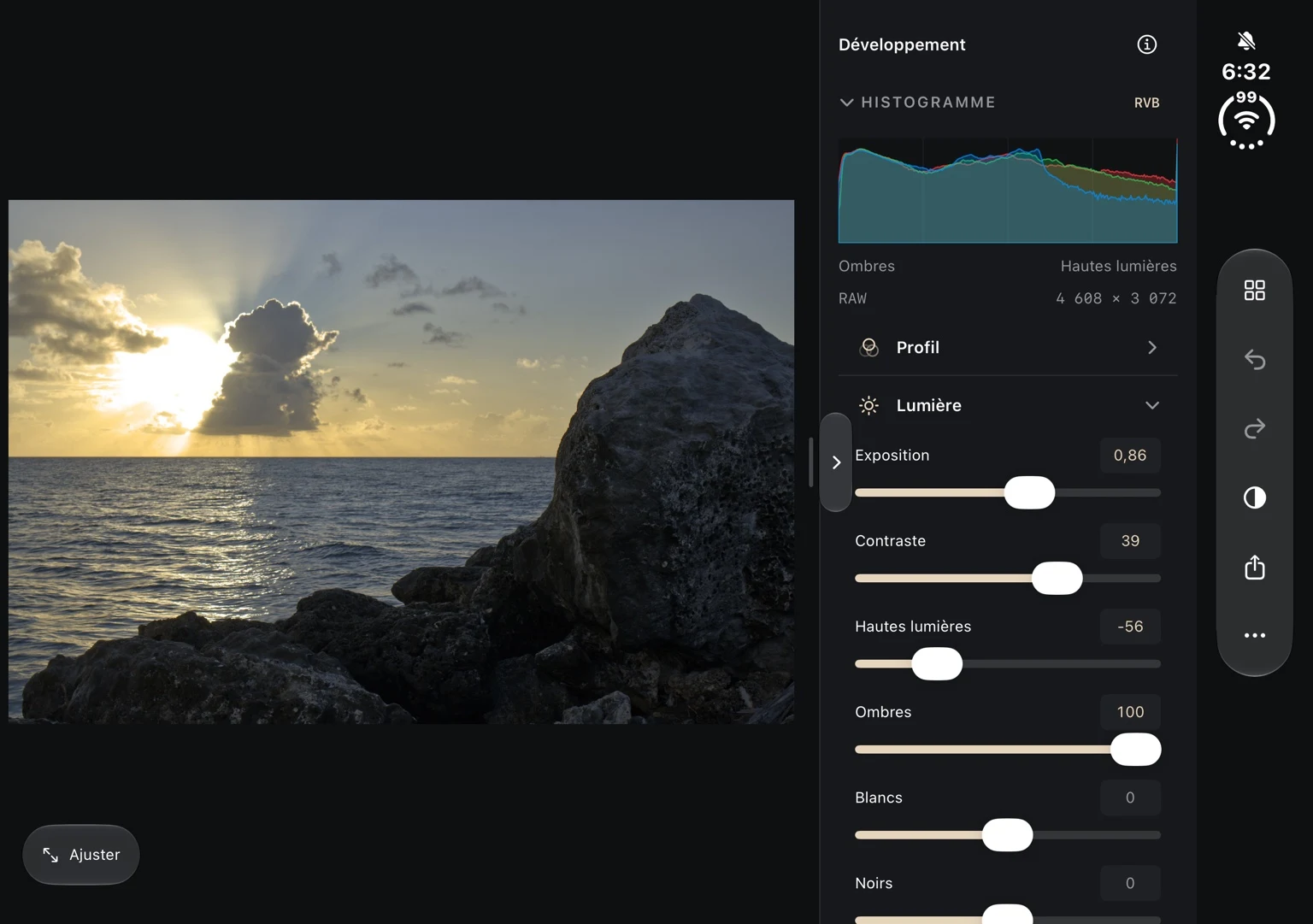
The test version brings together a library, a development workspace and composition tools. The features below describe the iOS project in development; they do not promise App Store availability.
Import from Photos and Files, search, favorites and recent edits: the library is your starting point for finding images to work on.
Profiles, light, curves and white balance let you adjust the look. Cropping includes aspect ratios, rotation, flipping and straightening.
The project includes brush masks, linear and radial gradients, and JPEG or PNG export to Photos and Files. Masks do not rely on automatic AI selection.
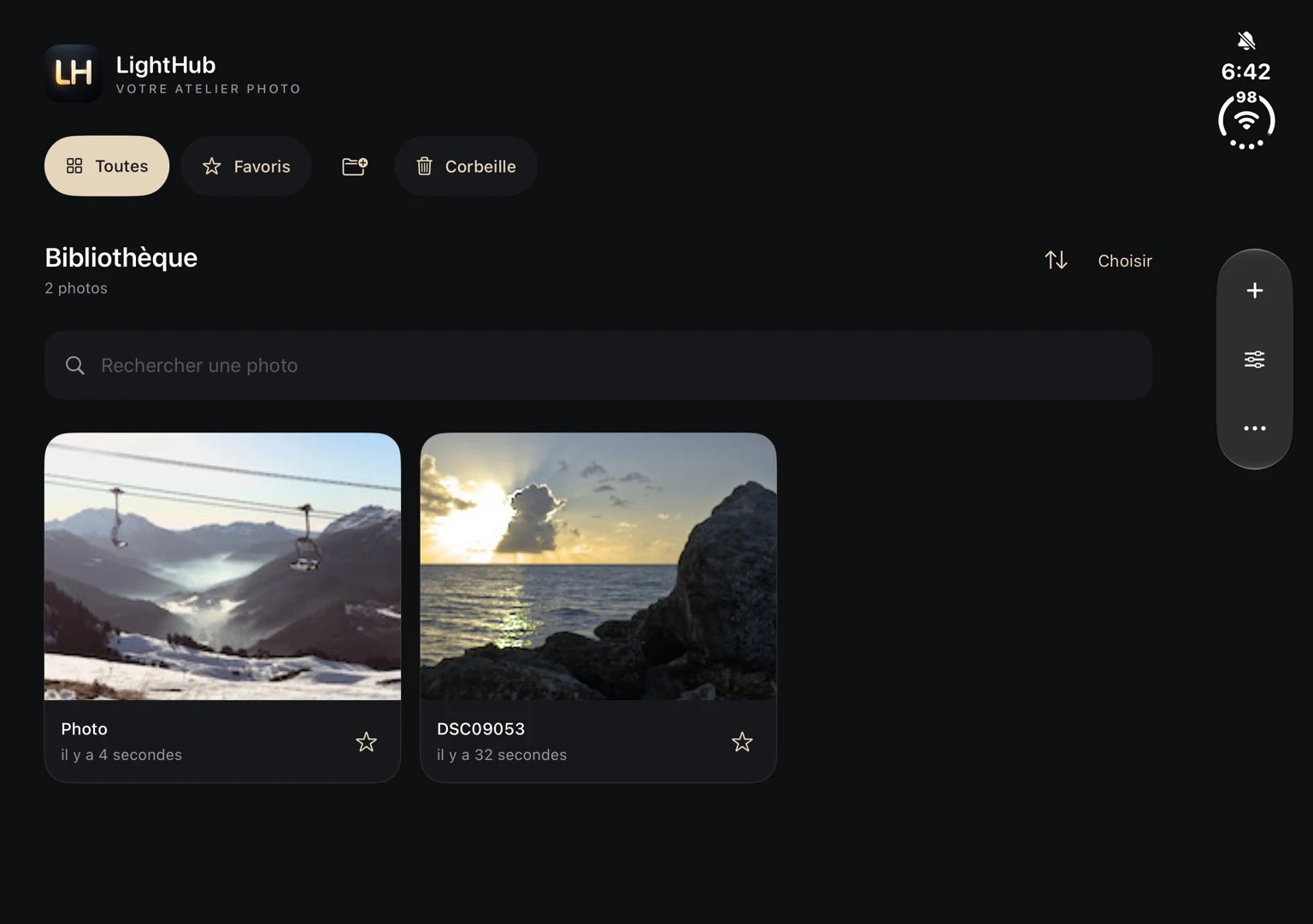
SwiftUI provides the iOS interface and a native bridge connects the app to the Rust LightCraft engine. LightHub develops its own presentation, with a library and inspector adapted for editing on a mobile device.
RAW compatibility follows the version of the LightCraft decoders bundled with the app. Documented families include DNG/ProRAW, CR2/CR3, NEF, ARW and RAF, with camera and compression limits. A displayed preview is not necessarily a RAW decoded from sensor data. See the engine format reference. Device memory also limits image size; iOS compatibility will be specified with its distribution.
Not yet from this site. iOS is in testing and no public App Store or TestFlight link has been announced. The status will appear on the versions page.
iOS pricing remains to be decided. The free Windows preview does not automatically mean that the iOS version will be free.
No synchronization between Windows, iOS and macOS has been announced. Features and compatibility will be specified for each version.
The iOS privacy documentation is still a draft and must be confirmed before the app is published. For specific data questions, contact the publisher.