
A Lightroom alternative?
Explore LightHub.
Looking for another way to develop RAW files, organize photographs and refine your look? LightHub offers a free Windows preview and a Mac beta. It is an independent project in development, with features and limitations to evaluate on your own images.
LightHub and Lightroom: compare tools against your needs
Adobe presents Lightroom as a photo editing and organizing tool for desktop, web and mobile. Its documentation covers presets and masking for local adjustments. LightHub also offers several of these tool categories, without promising the same feature coverage or identical rendering.
| Your need | LightHub | Lightroom |
|---|---|---|
| Light and color | RAW development through LightCraft, light controls, curves and color tools. Check RAW compatibility by camera model. | Photo editing and development tools documented by Adobe. |
| Presets | Customizable presets to save a creative starting point. | Presets that can be applied and adjusted in the editor. |
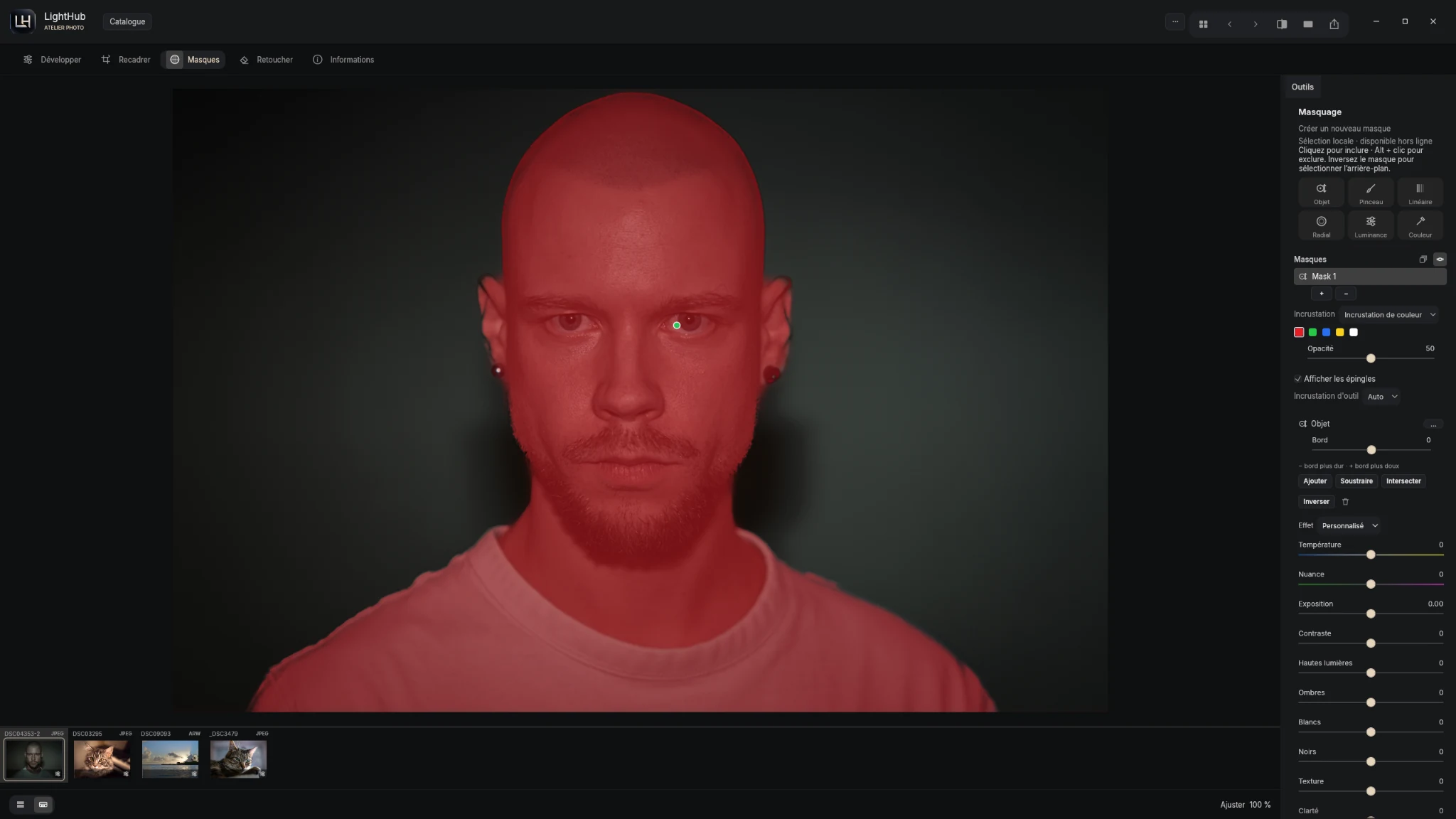
| Local adjustments | Brush masks, gradients and MobileSAM object selection with local controls. | Masks and selection tools described in Lightroom documentation. |
| Platforms | Windows preview, Apple Silicon Mac beta and iOS in testing. No catalog synchronization announced. | Lightroom is offered on desktop, web and mobile. See Adobe for each version’s offers and conditions. |
Why try LightHub?
The free Windows preview includes four sample photos so you can explore immediately. The Mac beta also includes four images. Discover the catalog, try a preset and build a mask before importing your own files.
LightHub places the image at the center of a dark workspace with development and export controls. Explore the Windows screenshots, Mac overview and release notes to decide whether the current project meets your needs.
Check your workflow before switching
- Open representative RAW files from your camera and compression mode. Some variants use an embedded preview.
- Compare exports at the dimensions and in the color space your delivery requires.
- Do not assume a Lightroom catalog, preset or edit history will transfer identically. Keep your original files and verify your workflow before moving a library.
- On Mac, check Apple Silicon and macOS 14+. The beta is development-signed and not notarized; macOS may block opening.
Does LightHub replace every Lightroom feature?
This guide does not promise complete equivalence. Your choice depends on your files, organization and delivery needs. LightHub desktop builds are previews or betas; build-specific limitations appear in the release notes.
Sources and independence
Lightroom information comes from the Adobe Lightroom overview, Adobe masking documentation and Adobe presets guide. See Adobe for current features, prices and conditions.
Editorial comparison by the LightHub publisher, checked November 1, 2026. Lightroom is an Adobe trademark. LightHub is an independent project, without Adobe affiliation or endorsement.
Choose your LightHub version ↓